
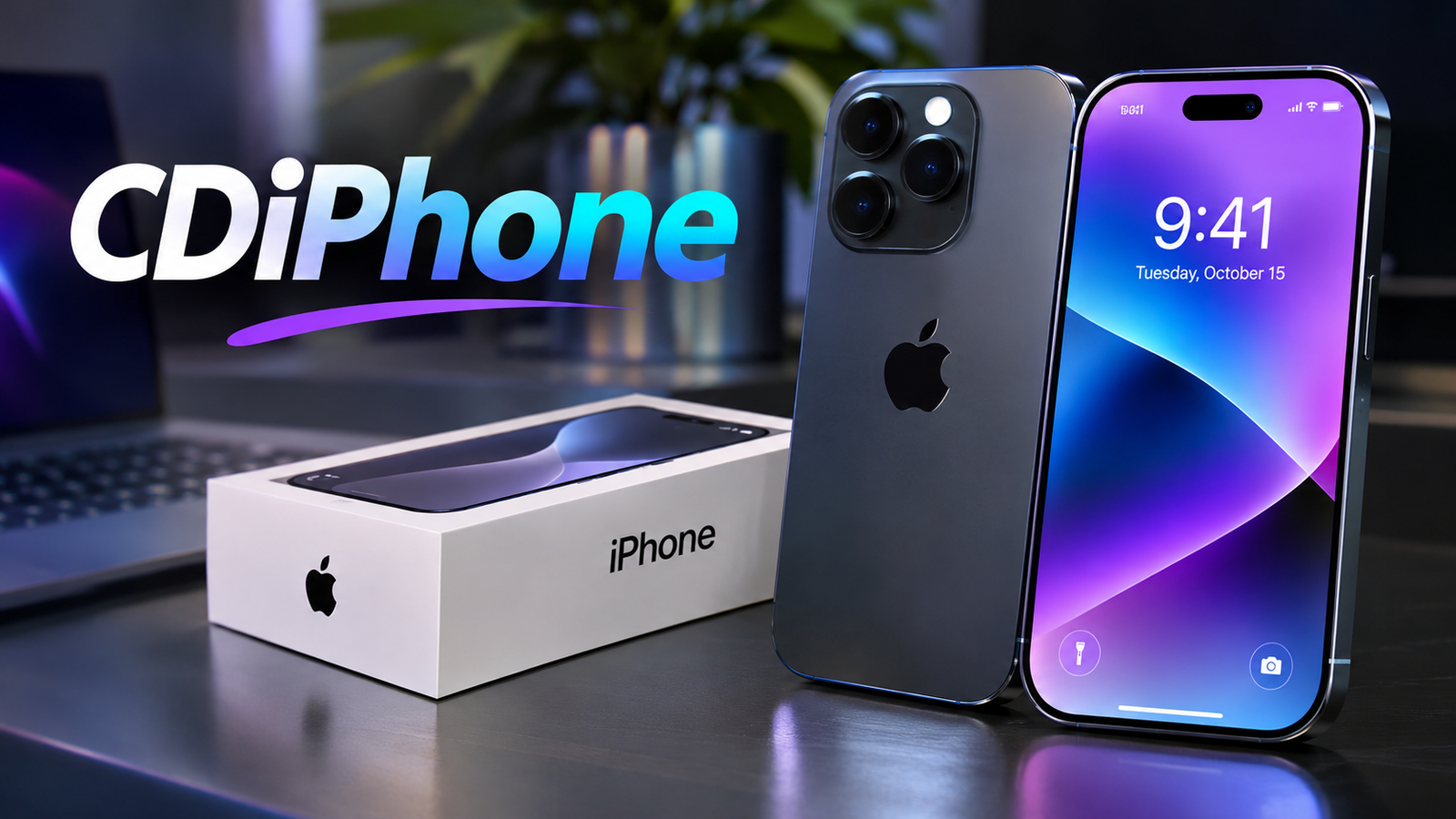
CDiPhone is an ambiguous online search term associated with iPhone technology, mobile devices, and digital services. However, it should not automatically be understood as an official Apple product, application, or service.
People searching for CDiPhone may be looking for information about iPhone connectivity, device compatibility, mobile technology, or a particular third-party platform. Understanding the context in which the term appears is essential to finding accurate information and avoiding misleading claims.
What Is CDiPhone?
CDiPhone is an informal internet term without a universally accepted technical definition. Several online publications associate it with compact discs, digital music transfers, smartphone innovations, and Apple-related technologies. TechRivio+2
The name appears to combine two familiar technologies:
- CD: Compact Disc, a physical storage medium commonly used for music and digital data.
- iPhone: Apple’s smartphone, designed for communication, entertainment, internet access, and mobile applications.
Although these technologies can complement each other, CDiPhone does not identify an officially recognized device that combines them.
One practical interpretation involves transferring music from traditional CDs to an iPhone for convenient digital playback.
Is CDiPhone an Official Apple Product?
There is no verified evidence that Apple has released a smartphone, application, or operating system feature named CDiPhone.
Claims about its dedicated processor, advanced camera, artificial intelligence capabilities, battery capacity, and release date remain unconfirmed.
Readers should distinguish between genuine Apple products and unofficial technology concepts. An attractive product description or digitally created smartphone design does not establish the existence of an actual commercial device.
Understanding the Different Meanings of CDiPhone
The term can have several interpretations depending on the context.
CD Music Transfer to iPhone
One practical interpretation involves converting music stored on compact discs into digital audio files that an iPhone can play.
This allows users to access their existing music collections without carrying physical discs or purchasing the same albums again.
A Conceptual Smartphone
Some interpretations describe an imagined smartphone that combines traditional physical media with modern mobile computing.
Although such a concept may appeal to technology enthusiasts, there is no confirmed Apple smartphone with an integrated CD drive.
iPhone Diagnostic Technology
CDiPhone is occasionally associated with smartphone diagnostics and Apple developer tools.
Apple offers genuine diagnostic capabilities that help identify hardware and software problems. However, CDiPhone is not an established official name for these tools.
CDMA iPhone Technology
Another possible source of confusion is CDMA, which stands for Code Division Multiple Access.
Certain older iPhone models, including a version of the iPhone 4, supported CDMA cellular networks. This communication technology has no direct connection to compact discs or digital music transfers.
There is also no confirmed relationship between CDMA technology and the term CDiPhone.
How Does CDiPhone Work in Practice?
Since CDiPhone is not a verified standalone product, it does not have a documented operating system or dedicated hardware.
However, when interpreted as CD-to-iPhone music transfer, the process involves extracting audio from a physical disc, converting it into compatible digital files, and transferring those files to a smartphone.
A computer acts as the connection between traditional optical media and modern mobile technology.
Once the transfer is complete, users can listen to their imported music through a compatible application.
How to Transfer CD Music to an iPhone
Transferring music from a compact disc to an iPhone does not require a specialized CDiPhone device.
Prepare a Compatible Computer
Use a Mac or Windows computer equipped with a compatible CD or DVD drive. An external optical drive may be necessary if your computer does not have one built in.
Import the Audio Tracks
Insert the music CD and use suitable music-management software to import the audio tracks.
Mac users can generally use the Music application. Windows users can use compatible CD-import software or iTunes where supported.
Choose a Supported Audio Format
Select an audio format compatible with your iPhone. AAC, MP3, Apple Lossless, and WAV are among the available options.
Compressed formats require less storage, while lossless formats preserve more of the original audio information.
Sync Music With Your iPhone
Connect your iPhone to the computer using a compatible USB cable.
Depending on your operating system and software configuration, use Finder, Apple Devices, or iTunes to transfer the selected albums and songs.
Users with an eligible Apple Music or iTunes Match subscription may also be able to access imported tracks through Sync Library.
Enjoy Offline Music Playback
After the files are successfully transferred and stored locally, open the appropriate music application on your iPhone.
You can generally listen to imported tracks without an active internet connection.
Key Benefits of Transferring CDs to an iPhone
Although CDiPhone is not an official product, digitizing physical music collections offers several practical advantages.
Convenient Music Access
Digital audio files allow users to access multiple albums from a single smartphone without carrying CDs or portable disc players.
Offline Entertainment
Locally stored music remains accessible when mobile data or Wi-Fi is unavailable, making it useful during travel and in areas with limited connectivity.
Preservation of Rare Recordings
Some older albums, independent releases, live performances, and special edition recordings may not be available through mainstream streaming platforms.
Digitizing these recordings can help preserve access to personally owned music collections.
Greater Control Over Audio Quality
Users can select their preferred audio format according to their listening preferences and available storage.
Lossless formats are particularly useful for preserving original audio quality during a properly completed CD import.
Reduced Dependence on Streaming Services
Personally imported music can be played locally without requiring an ongoing music streaming subscription.
Best Audio Formats for CD-to-iPhone Transfers
Choosing the right audio format helps balance sound quality, compatibility, and storage requirements.
MP3
MP3 is a widely supported compressed audio format. It is suitable for everyday listening and maintaining large music collections with limited storage.
AAC
Advanced Audio Coding, commonly known as AAC, is another compressed format supported by Apple devices. It can provide good audio quality at relatively modest file sizes.
ALAC
Apple Lossless Audio Codec preserves audio information without the quality loss associated with lossy compression.
It is suitable for listeners who prioritize sound quality and have sufficient storage available.
WAV
WAV commonly stores uncompressed audio. It offers excellent sound quality but generally requires more storage space than compressed alternatives.
CDiPhone and Modern Smartphone Technology
The concept of connecting traditional media with smartphones reflects a broader transition in personal technology.
Compact discs store information on physical optical media, while modern smartphones primarily depend on internal digital storage, wireless communication, cloud services, and software applications.
Although iPhones do not contain optical drives, they can reproduce audio originally stored on CDs after it has been converted into compatible digital files.
This demonstrates how older entertainment formats can remain useful within modern digital environments.
Is CDiPhone Safe to Use?
CDiPhone cannot be assessed as a specific product because its official identity, manufacturer, and technical specifications remain unverified.
Users encountering applications or downloadable files advertised under this name should check their authenticity before installation.
Unknown software may request unnecessary permissions, collect personal information, or expose devices to security risks.
Using established music-management applications and supported Apple software is generally a more reliable approach to transferring audio files.
Users should also respect applicable copyright laws when copying and distributing music.
Common Misconceptions About CDiPhone
CDiPhone Is a Newly Released Smartphone
No verified product announcement establishes CDiPhone as an official smartphone model.
CDiPhone Has a Built-In CD Player
There is no confirmed Apple iPhone with an integrated optical disc drive. Traditional CDs must generally be read using separate compatible hardware.
CDiPhone Requires a Special Application
A dedicated application named CDiPhone is not necessary for conventional CD music transfers. Existing audio-import and device-syncing tools can perform this task.
CDiPhone Has Exclusive AI Features
There are no authenticated technical specifications confirming artificial intelligence capabilities associated with a product named CDiPhone.
Existing AI-powered smartphone features should not be confused with unverified product claims.
The Future of Physical Media and Mobile Technology
Digital entertainment continues to evolve through streaming platforms, cloud storage, high-resolution audio, and wireless connectivity.
However, physical media remains valuable to collectors, music enthusiasts, and individuals who prefer maintaining personal copies of their favorite recordings.
Future developments in storage, audio processing, and cross-device compatibility may make digital music management more convenient.
Nevertheless, there is no verified announcement establishing CDiPhone as part of Apple’s future product plans.
Frequently Asked Questions
What does CDiPhone stand for?
CDiPhone has no officially established full form. It is sometimes interpreted as a combination of Compact Disc and iPhone, particularly in discussions about digital music transfers.
Is CDiPhone a real Apple device?
No verified Apple product or officially recognized iPhone model carries the name CDiPhone.
Can I play a physical CD directly on an iPhone?
No. iPhones do not have built-in optical disc drives. Music must generally be imported through a compatible computer before being transferred to the phone.
Can I transfer CD music to an iPhone for free?
Yes. Compatible music-import and device-syncing software can transfer personally owned music without requiring a paid streaming subscription.
Is CDiPhone the same as a CDMA iPhone?
No confirmed relationship exists between the two terms. CDMA refers to cellular network technology rather than compact discs or music playback.
Does CDiPhone have an official release date or price?
No. There is no authenticated release date, retail price, or official product specification associated with CDiPhone.
Conclusion
CDiPhone is an unofficial and ambiguous technology term rather than a confirmed Apple product. Its most practical interpretation concerns the relationship between traditional compact discs and modern iPhone music playback.
With compatible hardware, established software, and supported audio formats, users can preserve their existing music collections and enjoy them on their smartphones.
Understanding the distinction between verified Apple technologies and speculative online claims helps consumers make informed decisions while protecting their devices and digital content.
Also read: ext:asp intitle:cart

1 Comment
Pingback: Babeltee: Meaning, Origins, Uses, and Key Facts